
What Children Do In the App
A four-part learning loop — each session blends seeing, hearing, drawing, and testing for lasting vocabulary retention.
Illustrated Flashcards
Vivid picture-based flashcards introduce new vocabulary in a visual, memorable way — no copying or rote repetition required.
Text-to-Speech Pronunciation
Every word is spoken aloud clearly so children hear the correct pronunciation and build phonetic awareness naturally.
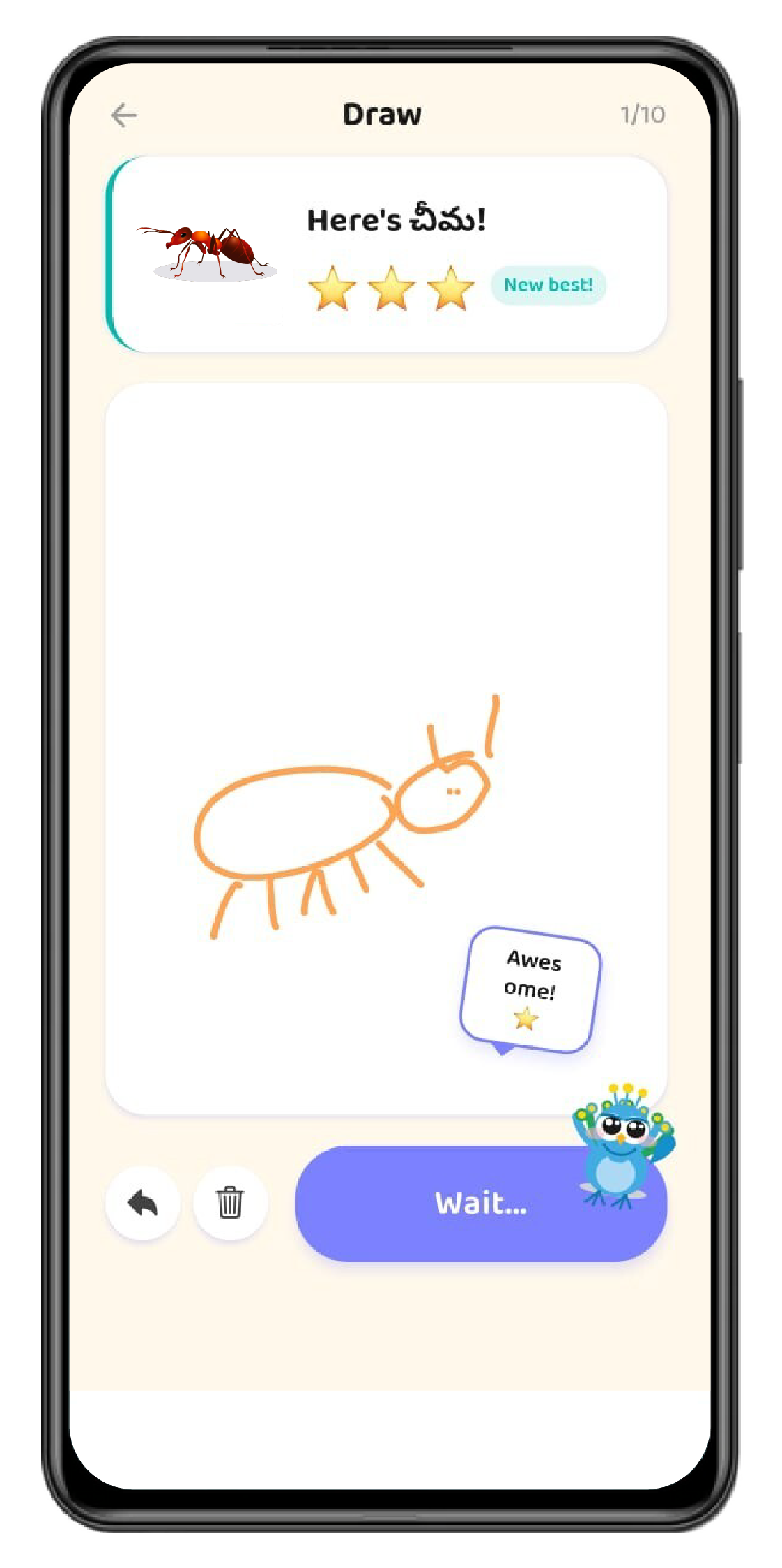
Doodle Drawing Challenges
Children sketch a picture of the word they are learning. On-device AI scores the drawing and delivers instant personalised feedback.
Multiple-Choice Quizzes
Bite-sized quizzes reinforce vocabulary recall and keep learners engaged through gamified challenges, levels, and rewards.
Languages Supported
English is the home/base language. Children choose any of the following as their target learning language.

English
Base / Home Language

Hindi
Learning Language
Telugu
Learning Language

Spanish
Learning Language

French
Learning Language
More languages are coming soon! We are actively expanding our multilingual library — stay tuned for updates.
See It In Action
Watch how Chitram transforms vocabulary learning — children sketch a picture of the word, and the AI provides instant personalised feedback. Multilingual, offline-ready, any phone.
Chitram
Account Setup & Parental Oversight
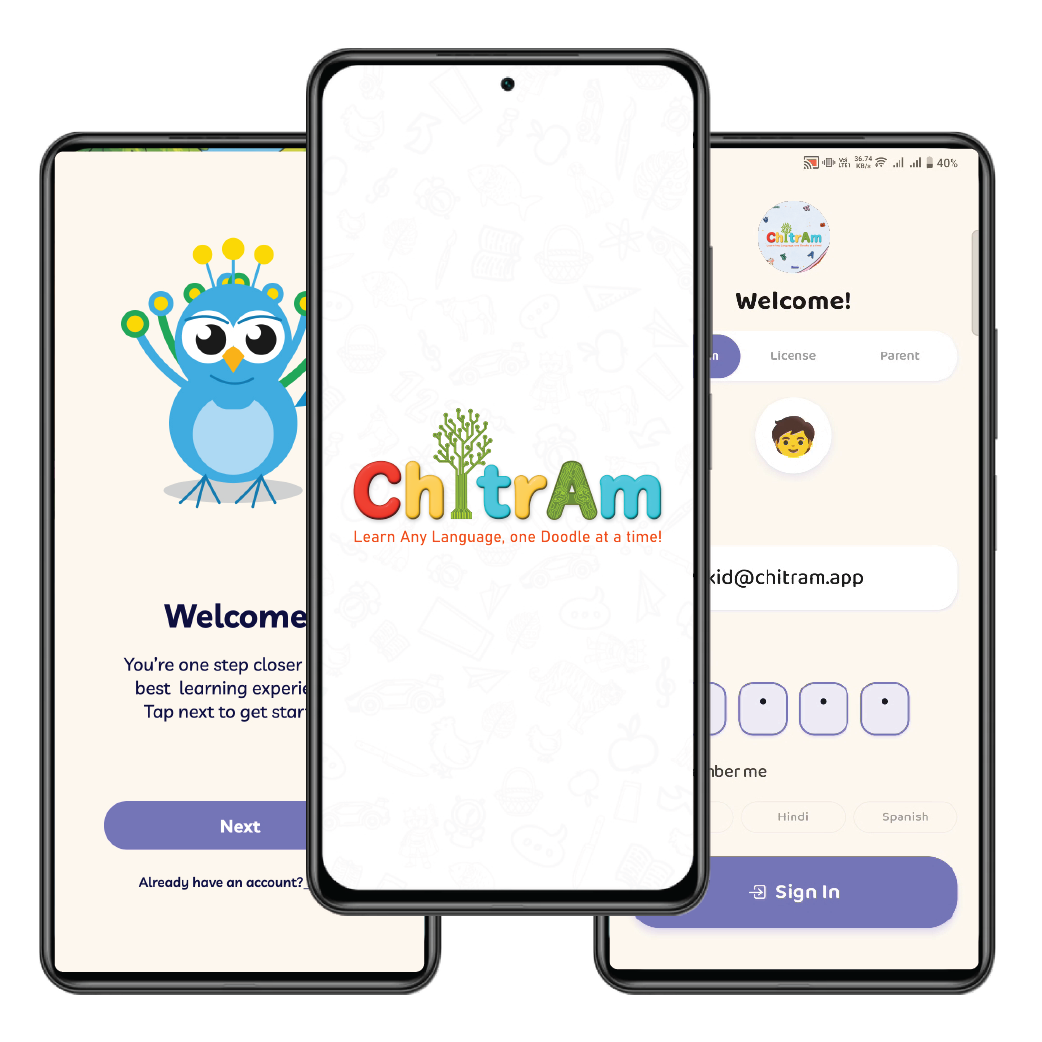
Children access Chitram through a family or school account set up by an adult. Parents have a dedicated Family Dashboard and Parent Settings panel.
Email Account
A parent or guardian creates a family account with email and password — full access to all content and the Family Dashboard.
License Key
Schools provide students with a license key — easy to deploy across a classroom without requiring individual email sign-ups.
Google Sign-In
Quick, secure sign-in using an existing Google account — no separate credentials to create or remember.
Classroom Code
Teachers share a unique classroom code with students — seamless school-wide deployment in seconds.
Guest Access
Limited free content is available without an account — perfect for exploring Chitram before committing to a plan.
Content & Safety
Chitram is built with children's safety as a core design principle — not an afterthought.
No Chat or Social Features
Chitram has zero chat, messaging, or social features. Children cannot interact with or be contacted by strangers at any point inside the app.
COPPA-Compliant Advertising
Interstitial ads between learning sessions are served via Google AdMob in a COPPA-compliant configuration specifically designed for children's apps.
Drawings Stay Private
Children's doodles are evaluated using on-device machine learning and are never shared publicly or with other users. A cloud fallback is used only for scoring accuracy.
In-App Purchases
Chitram offers optional paid subscription tiers to unlock additional content. All purchases use Apple's standard in-app purchase flow.
Explorer
Unlocks a broader range of levels, units, and languages beyond the free guest experience — the ideal starting point for young learners.
- ✓More levels & vocabulary units
- ✓Additional learning languages
- ✓Full Family Dashboard access
- ✓Progress tracking & reports
Scholar
Full access to the complete multilingual vocabulary library, advanced analytics, and every Chitram feature — for serious learners.
- ✓Everything in Explorer
- ✓Full multilingual vocabulary library
- ✓Advanced learning analytics
- ✓Priority support
Ready to Start Learning?
Download Chitram and let your child build vocabulary through creativity and drawing — available on Android.

Available on Android devices only
Data & Privacy — For details on what data is collected and how it is used, please refer to the app's Privacy Policy and the App Privacy section on its App Store listing. This page provides supplementary information for Apple's App Store age rating questionnaire and is not a substitute for the app's full Privacy Policy.